Home How to Play Play Game About Us Contact Privacy Policy Terms & Conditions ▶ Play Now

How to Play Cricket Kings

A complete guide to both game modes, controls for mobile and desktop, scoring system, and tips to help you score big.

Two Exciting Cricket Modes

Cricket Kings features two distinct game modes, each offering a different style of cricket gameplay.
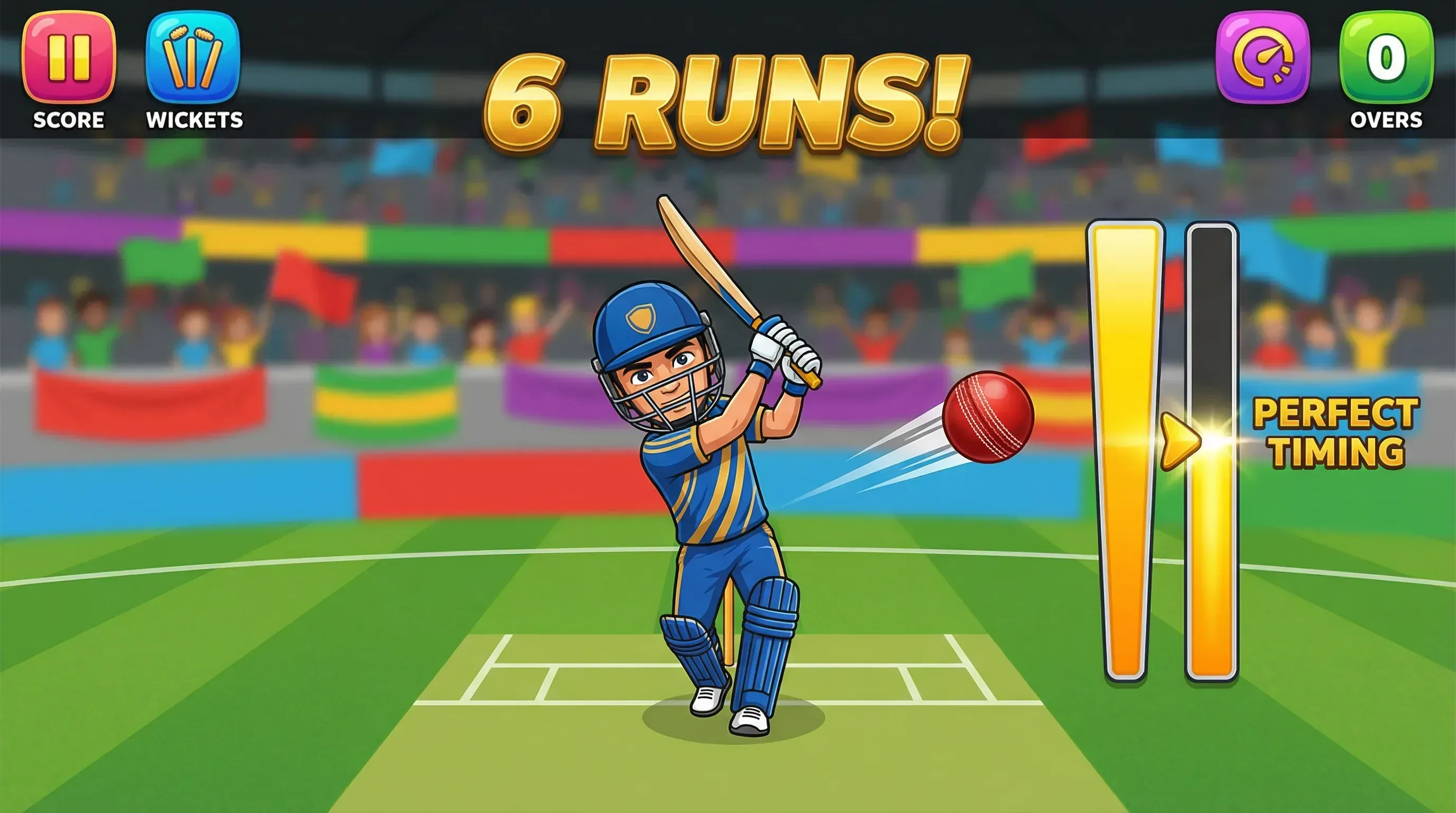
Batting Mode

Mode 1: Batting Mode

In Batting Mode, you face deliveries from the bowler and must time your shots to score runs. The key is watching the power meter and releasing at the right moment to hit the ball into the gaps or over the boundary.

1

The bowler runs up and delivers the ball toward you. Watch the ball carefully as it approaches.

2

Tap and hold (mobile) or press and hold Space/Click (desktop) to start charging your shot.

3

Watch the power meter fill up. Release when it reaches the golden zone for maximum power.

4

Score runs based on where the ball lands. Hit it over the boundary for a SIX or FOUR. Avoid getting out!
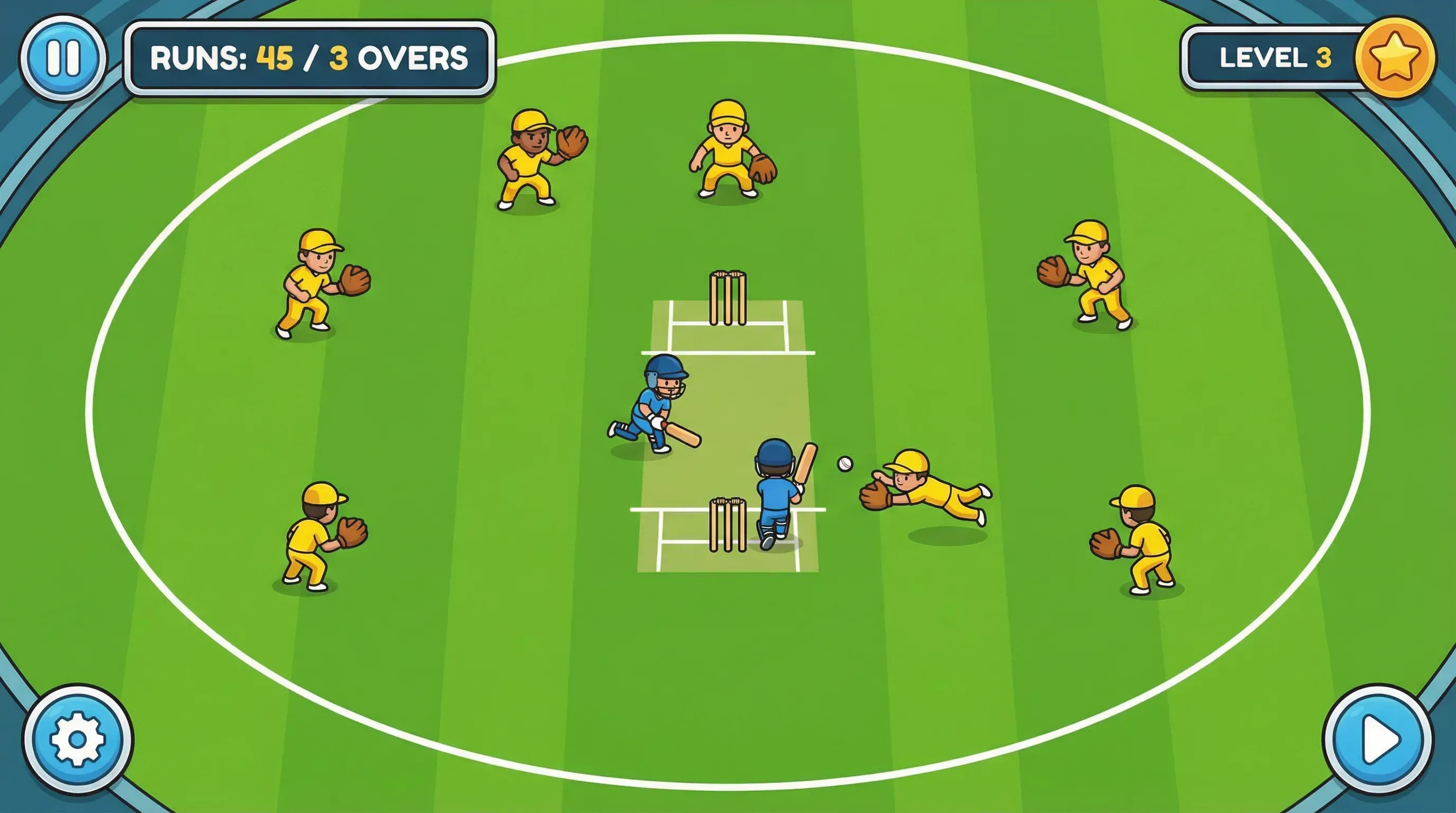
Running Mode

Mode 2: Running Mode

In Running Mode, you control your batsman from a top-down view on the cricket pitch. Your goal is to run between the wickets and score as many runs as possible while avoiding the fielders and the ball.

1

Your batsman starts at one end of the pitch. The fielders are positioned around the oval field.

2

Swipe in any direction (mobile) or use Arrow Keys / WASD (desktop) to move your batsman.

3

Navigate through the fielders without being touched. The fielders move to intercept you.

4

Reach the other crease safely to score a run. Each successful run adds to your total score.

Mobile & Desktop Controls

Cricket Kings automatically works with both touch controls on mobile and keyboard controls on desktop. Here is a full breakdown.

Mobile & Tablet Controls

Start batting shot Tap & Hold screen
Release shot Lift finger
Move batsman (Running) Touch & Drag / Swipe
Navigate menus Tap buttons
Pause game Tap Pause button

Tip: For the best mobile experience, play in landscape orientation and ensure your screen brightness is turned up.

Desktop & Laptop Controls

Start batting shot Space or Click
Release shot Release Space
Move batsman (Running) or WASD
Navigate menus Click buttons
Pause game P or Pause button

Important: Click inside the game window first before using keyboard controls. This ensures the game receives your key inputs correctly.

How Scoring Works

Understanding the scoring system will help you maximise your runs in Batting Mode.

6

SIX

Hit the ball over the boundary rope in the air. Requires perfect timing in the golden zone.

4

FOUR

Hit the ball along the ground to the boundary. Good timing in the power zone.

1-3

RUNS

Hit the ball into the gaps between fielders. Score 1, 2, or 3 runs depending on placement.

OUT

WICKET

Miss the ball or hit it straight to a fielder. Lose a wicket. Lose all wickets and the game ends.

Tips to Score Higher

Follow these tips to improve your game and reach higher scores in both modes.

1

Watch the Power Meter

In Batting Mode, the golden zone on the power meter gives you the highest scoring shots. Practice releasing at exactly the right moment.

2

Plan Your Running Path

In Running Mode, look at the fielders before you move. Plan a path that avoids them rather than running directly toward the crease.

3

Start on Easy Levels

Begin with Level 1 to learn the mechanics. As you get comfortable, progress to higher levels where the challenge increases significantly.

4

Play Both Modes

Each mode builds different skills. Batting Mode improves your timing while Running Mode develops your spatial awareness and quick decision-making.

Start Playing Now